1
Create a free Groq account
Visit the Groq website and sign up with your Google account, GitHub account, or email. It only takes a moment.
Go to Groq →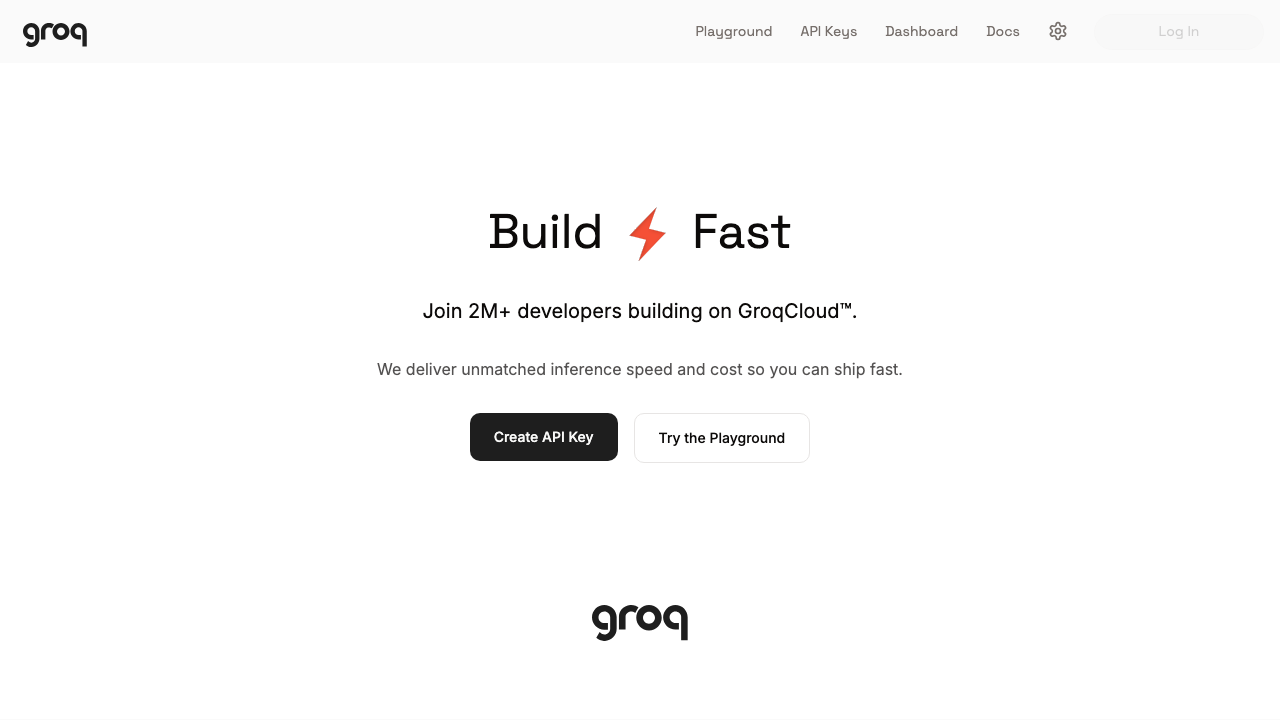
AI Keyboard uses Groq to power voice typing and smart text correction. Getting your API key takes about 2 minutes and is completely free.
Visit the Groq website and sign up with your Google account, GitHub account, or email. It only takes a moment.
Go to Groq →
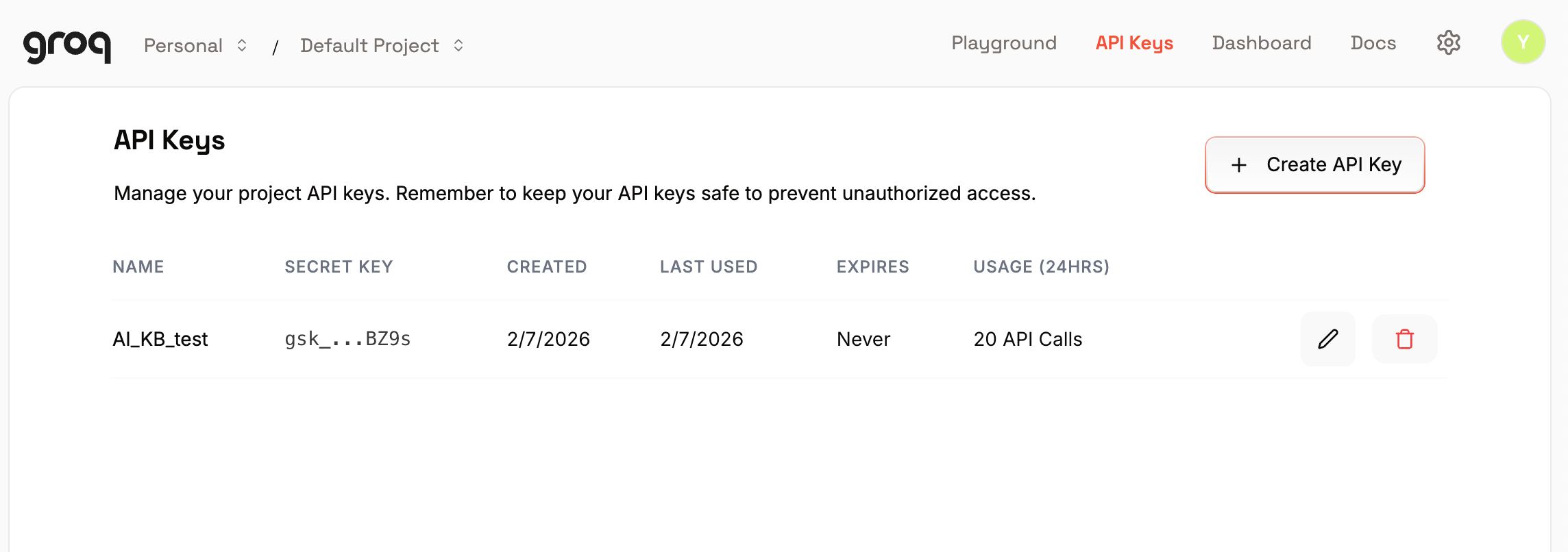
Once logged in, tap Create API Key. Give it any name you like
(e.g. "AI Keyboard"), leave expiration as "No expiration", and tap Submit.
Your new key will appear on screen. It starts with gsk_.
Copy it right away!
Open AI Keyboard's Settings, find the Groq API Key field, paste your key, and tap Save. That's it!
Go back to AI Keyboard and start voice typing. Enjoy fast, accurate transcription powered by Groq.